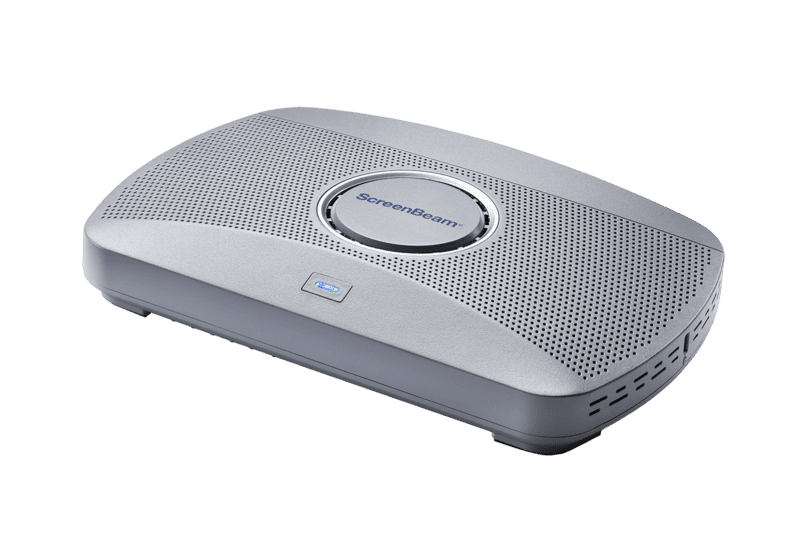
SB1000 EDU Gen 2
* App-free Miracast, AirPlay, and Google Cast support
* Integrated collaborative Whiteboard application
* Multiview displays up to 4 student screens at once
* Includes centralized management and emergency alert features
Specifications
FAQs
What is new in the Gen 2 version of the 1000 EDU?
The Gen 2 model introduces an integrated collaborative Whiteboard application that runs directly on the device, improved 4K performance, and enhanced centralized management capabilities.
Does the 1000 EDU Gen 2 support Google Cast?
Yes, it natively supports Google Cast for Chromebooks and Android devices, alongside Miracast and AirPlay.
Can teachers monitor multiple student devices?
Yes, the Multiview feature allows teachers to display up to four student device screens simultaneously for classroom discussion and collaboration.
How does the integrated Whiteboard work?
The whiteboard application launches directly from the connected interactive flat panel without requiring any connected source device or PC.
Does it support emergency alerts?
Yes, it features an alerting tool that integrates with existing emergency response programs to instantly transmit notifications to any ScreenBeam-enabled display.